Beyond the Hype: Why Your Home Office Monitor Might Be Too Big, According to Consumer Reports
In an era of ever-larger screens, Consumer Reports challenges the conventional wisdom that bigger is always better for home office monitors. Their experts suggest that optimal productivity and comfort might lie in a more nuanced approach to display size and resolution. This deep dive explores CR's surprising recommendations and offers practical advice for setting up an ergonomic and efficient workspace. Discover how choosing the right monitor can transform your daily work experience.
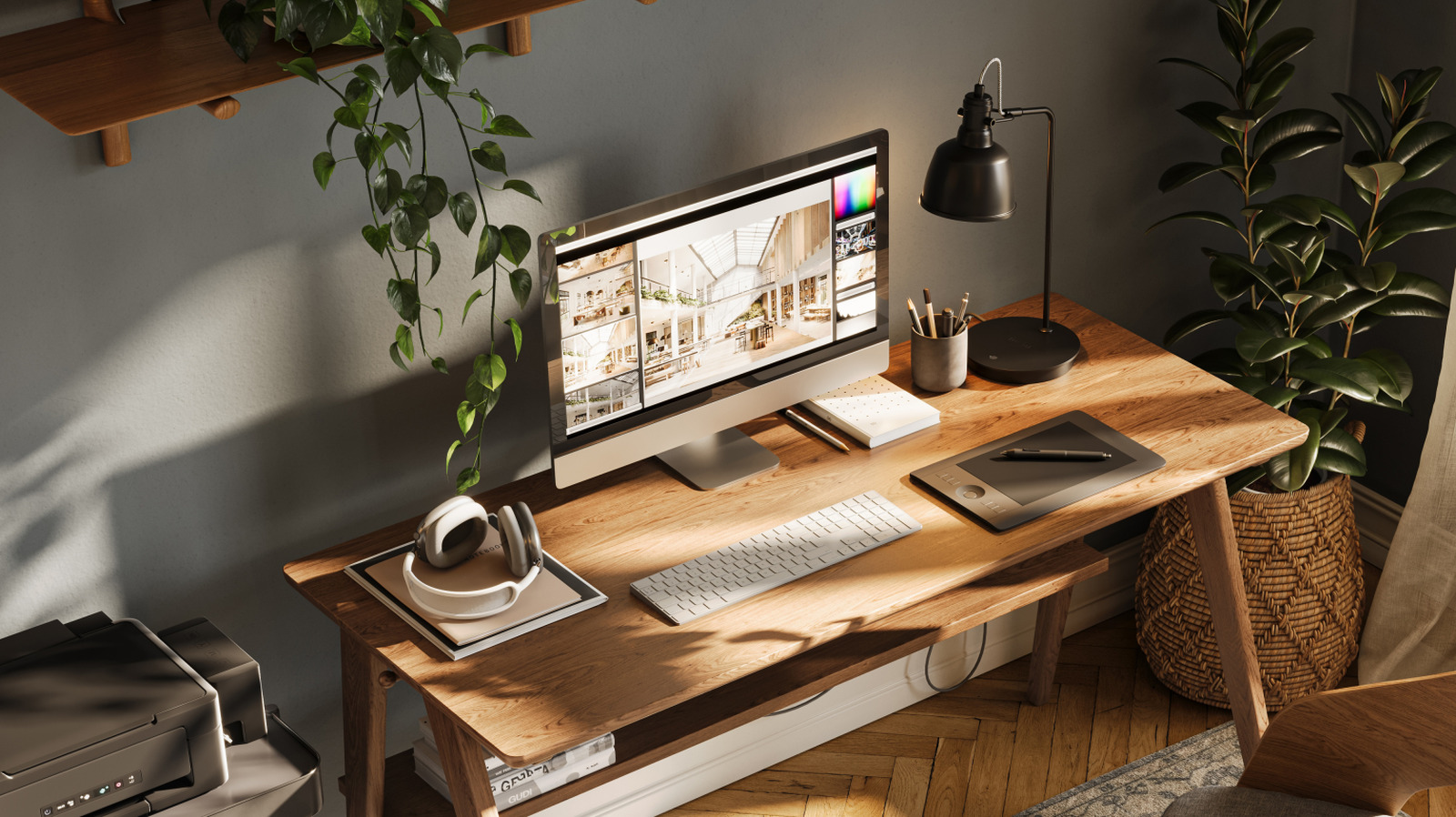
In an increasingly digital world, the home office has become a central pillar of professional life. With remote work becoming a norm rather than an exception, the tools we use daily have taken on paramount importance. Among these, the computer monitor stands out as a critical interface, dictating not just our visual experience but also our productivity, comfort, and even long-term health. For years, the prevailing wisdom, often fueled by marketing, has been that when it comes to screens, bigger is always better. However, a recent and rather surprising stance from the venerable Consumer Reports challenges this notion, suggesting that for many, the ideal home office monitor size might not be the sprawling 27-inch display so many aspire to.
The Allure of the Large Screen: A Double-Edged Sword
The appeal of a large monitor is undeniable. A vast digital canvas promises more screen real estate, allowing for multiple windows open simultaneously, intricate spreadsheets to be viewed without constant scrolling, and immersive multimedia experiences. This perceived advantage has driven a market trend towards larger and larger displays, with 27-inch and even 32-inch monitors becoming commonplace in home office setups. The logic seems sound: more space equals more efficiency. Yet, Consumer Reports, known for its rigorous testing and unbiased advice, posits a different perspective. Their experts delve beyond mere size, considering factors like viewing distance, resolution, pixel density, and ergonomic implications.
The core of their argument revolves around the concept of optimal viewing ergonomics. When a monitor is too large for a typical desk setup and viewing distance, users are forced to constantly move their eyes and even their heads to take in all the information. This excessive eye and neck movement can lead to increased eye strain, fatigue, and musculoskeletal discomfort over prolonged periods. Imagine trying to read a newspaper held too close to your face; the experience quickly becomes tiring. A similar principle applies to an oversized monitor where the edges of the screen fall outside your natural field of vision without significant head movement. The human eye has a natural field of view, and forcing it to constantly scan a vast expanse can be counterproductive.
Consumer Reports' Counter-Intuitive Recommendation
So, what does Consumer Reports suggest is the sweet spot? While they don't prescribe a single, universal size, their analysis often points towards 24-inch or 25-inch monitors as being more suitable for a majority of home office users, particularly when paired with the right resolution. This recommendation might seem counter-intuitive in a market saturated with larger options, but it's grounded in practical ergonomics and user experience.
Their reasoning is multifaceted:
* Optimal Viewing Distance: For most standard desk depths (typically 24-30 inches), a 24-25 inch monitor allows the entire screen to be comfortably viewed without excessive head movement. This reduces strain on the neck and eyes. * Pixel Density and Resolution: A crucial factor often overlooked is pixel density (PPI - pixels per inch). A 27-inch monitor with a standard Full HD (1920x1080) resolution will have a lower PPI than a 24-inch monitor with the same resolution. This can result in a slightly grainier image and less sharp text. To achieve crisp visuals on a 27-inch monitor, a higher resolution like QHD (2560x1440) or even 4K (3840x2160) is often necessary. However, higher resolutions demand more processing power from your computer and can make text and icons appear tiny without proper scaling, which itself can introduce visual artifacts or blurriness. * Cost-Effectiveness: Generally, 24-25 inch monitors offer a better balance of features, performance, and price. Stepping up to larger sizes with appropriate resolutions often incurs a significant cost premium. * Multi-Monitor Setups: For those truly needing more screen real estate, Consumer Reports often advocates for a dual-monitor setup with two smaller screens rather than a single, massive one. This allows for greater flexibility in arranging windows and can be more ergonomically sound, as each screen can be positioned optimally.
Beyond Size: What Else Matters?
While size and resolution are critical, Consumer Reports emphasizes that they are just two pieces of the puzzle. A truly effective home office monitor selection involves considering several other key specifications:
* Panel Technology: * IPS (In-Plane Switching): Offers excellent color accuracy and wide viewing angles, ideal for graphic design, photography, and general productivity. * VA (Vertical Alignment): Provides high contrast ratios and deep blacks, good for media consumption, but viewing angles can be narrower. * TN (Twisted Nematic): Fastest response times, making them popular for competitive gaming, but suffer from poor color reproduction and narrow viewing angles, generally not recommended for professional work. * Ergonomics: A monitor with height adjustment, tilt, swivel, and pivot (portrait mode) capabilities is invaluable. The ability to adjust your screen to eye level and fine-tune its position can significantly reduce strain and improve comfort. * Connectivity: Ensure the monitor has the necessary ports for your computer and peripherals (e.g., HDMI, DisplayPort, USB-C). * Refresh Rate: While crucial for gaming (120Hz+), for general office work, a standard 60Hz refresh rate is perfectly adequate. Higher refresh rates can offer a smoother visual experience but come at a premium. * Eye Care Features: Many modern monitors include features like flicker-free technology and low blue light modes to further reduce eye strain, especially during long working hours.
The Future of Work and Display Technology
The insights from Consumer Reports serve as a timely reminder that technology should serve us, not the other way around. As the lines between work and home continue to blur, investing in the right tools for our home offices becomes an investment in our well-being and productivity. The trend towards larger screens isn't likely to disappear, but the emphasis on smart, ergonomic choices is gaining traction. Manufacturers are responding with innovations like ultrawide monitors that offer a single, expansive view without the bezel breaks of a dual-monitor setup, and curved displays designed to enhance immersion and reduce peripheral distortion.
Ultimately, the "best" monitor is a personal choice, but it's one that should be informed by more than just marketing hype. By considering factors like your typical viewing distance, the type of work you do, and the ergonomic adjustability of the display, you can make a decision that not only enhances your productivity but also safeguards your comfort and health for years to come. Consumer Reports' advice encourages us to step back, assess our actual needs, and perhaps, embrace the idea that sometimes, less truly is more, especially when it comes to the optimal size of our digital windows to the world.
Stay Informed
Get the world's most important stories delivered to your inbox.
No spam, unsubscribe anytime.
Comments
No comments yet. Be the first to share your thoughts!